The tool that helps you build that reflex
The same screens as on your phone, nothing more, nothing less.
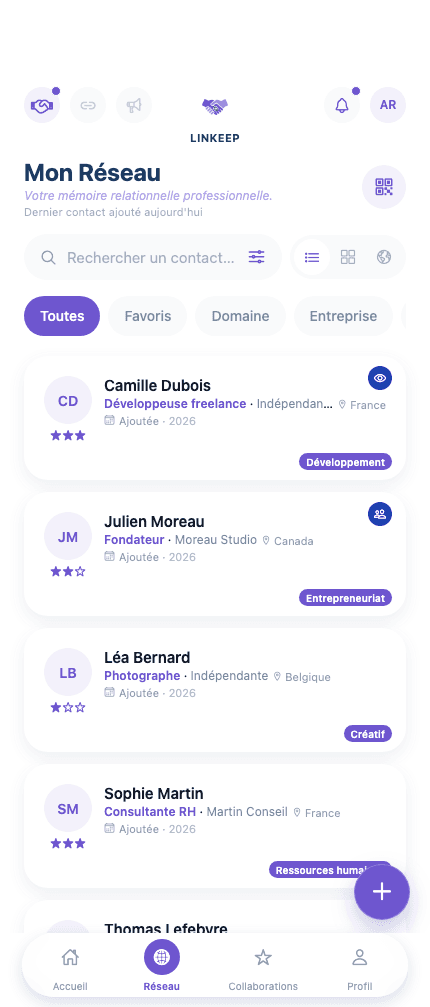
Your network, within reach the moment you open the app.
Recently added contacts, follow-ups not to forget, ongoing collaborations: the essentials of your network visible the moment you open the app, no searching needed.

Viewed the way you need it, with all its context.
List view to scan fast, grid view to browse by cards, World view to see where your relationships are spread. And on every card: where you met, your history together, a follow-up status that reminds you who to reach out to.
A record of every project you've worked on together.
Your projects, the missions your network completed for you, the ones you completed for them, three views of the same collaboration memory, never starting from scratch.
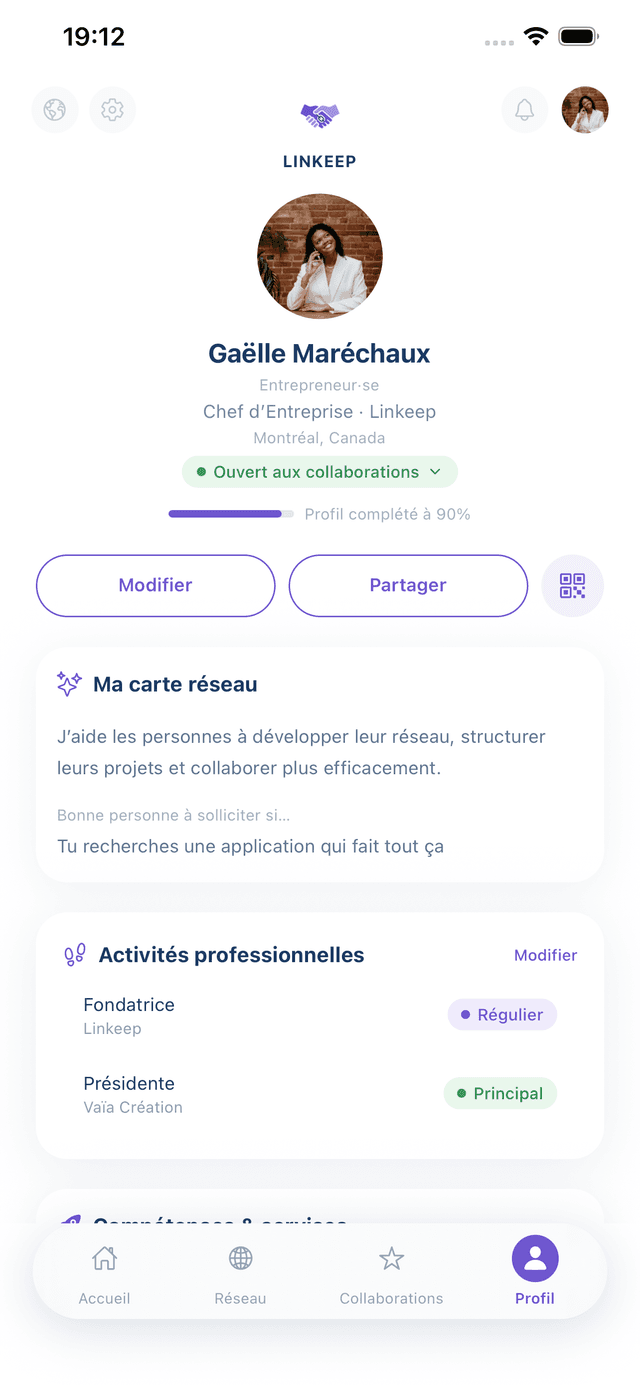
A living business card, not a frozen résumé.
Your role, your activities, what you're open to collaborate on: your Linkeep profile shares in one tap and updates with you, not once every two years.
Ideas to activate your network, not just fill it up.
One piece of content a day on networking and professional relationships, to turn a meeting into an opportunity instead of one more line in a contact book.
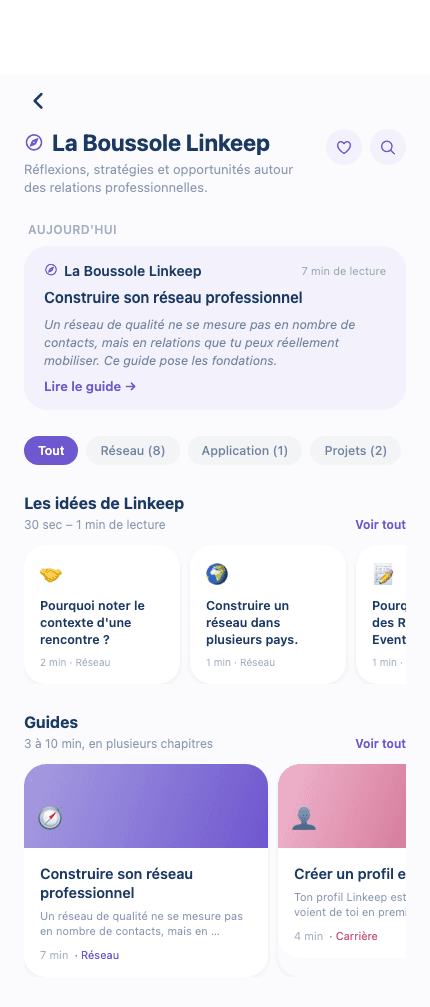
The moves that keep your network alive, one tap away.
Add a contact, start a project, introduce two people, or ask your network for a referral: one button gathers them all, wherever you are in the app.
Connect two people in your network with one tap.
Thinking of two people who should talk? Suggest the introduction directly from Linkeep, each person decides if they accept, and contact details are never shared without consent.
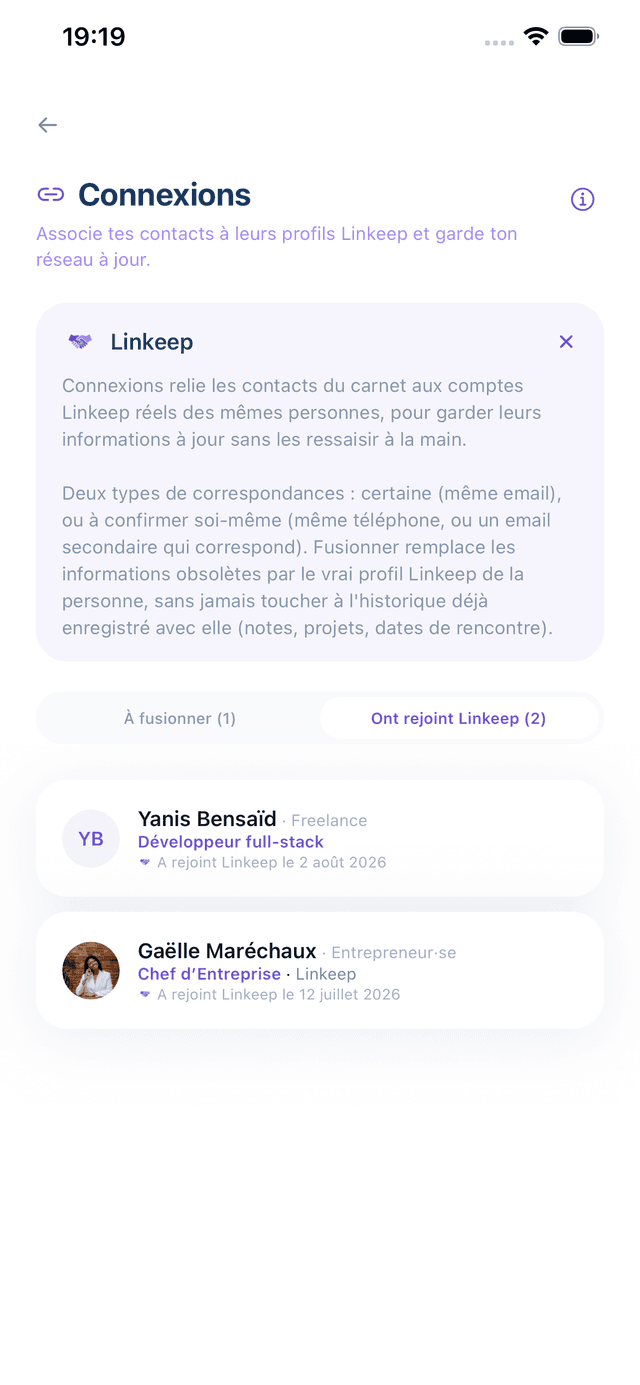
Know who in your network is also on Linkeep.
Linkeep automatically spots which contacts in your address book also have an account, so their info stays current without ever retyping anything by hand.
Ask for a referral, without a generic message.
Describe what you're looking for, Linkeep circulates it to the right people in your network, until the right answer comes back.
Your network, measured at a glance.
Contacts, active collaborations, activation rate, pending opportunities, domains covered... The dashboard shows what your network actually brings you, not just how many people you know.
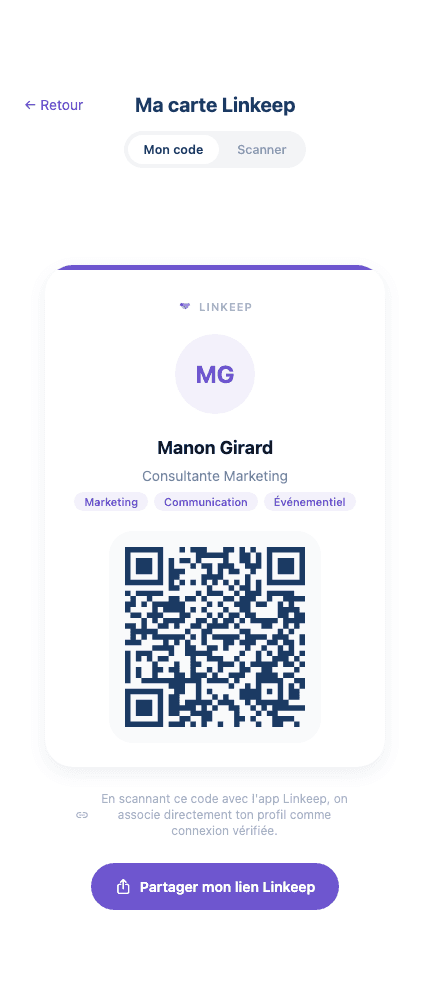
Your business card, ready to scan.
Share your Linkeep QR code: the person in front of you confirms with one tap and joins your network as a verified connection. No QR on hand? Add them manually instead.